
SafePoint IT Named to the 2026 Inc. 5000 List
SafePoint IT has been named to the 2026 Inc. 5000 list, the annual ranking of...
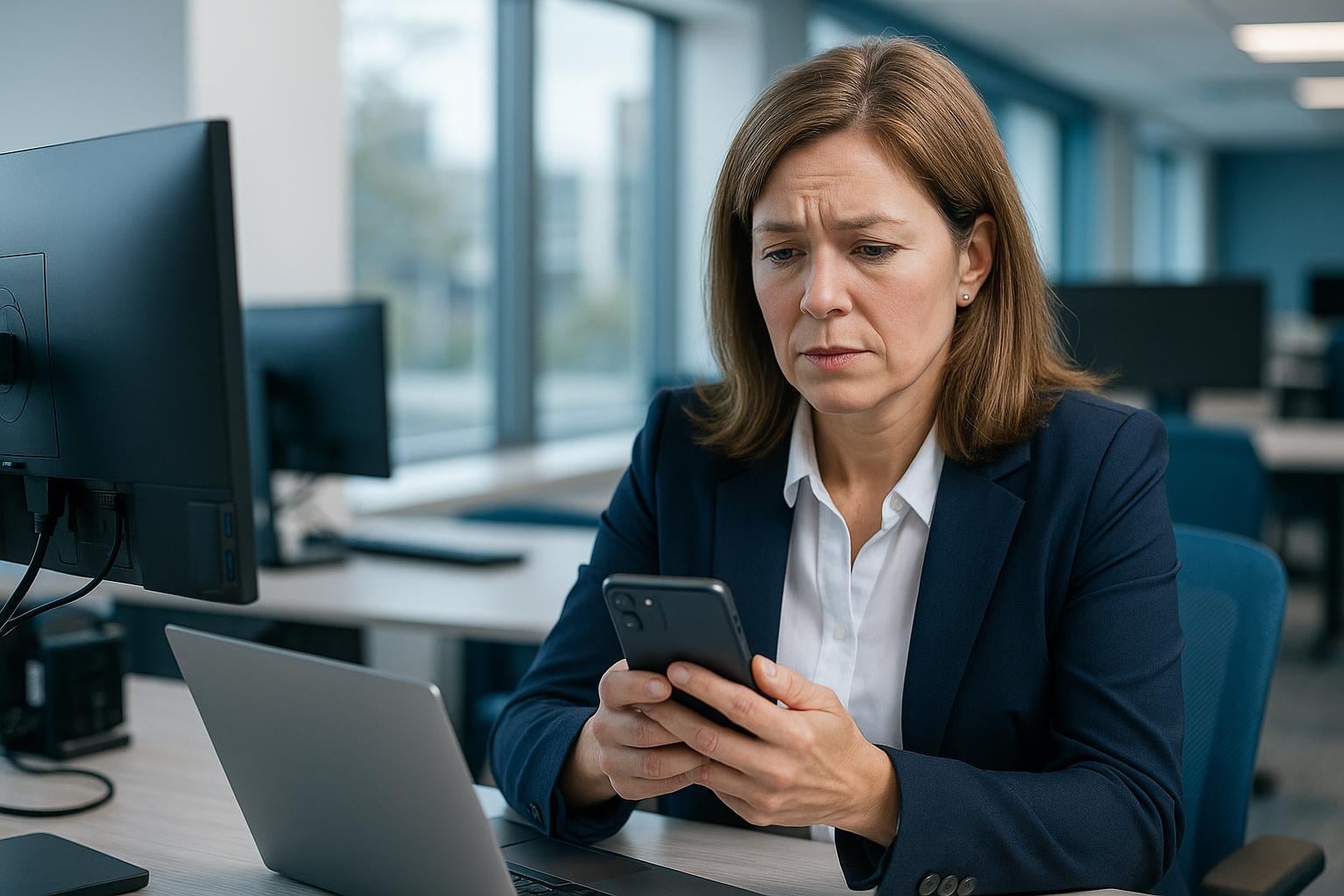
 Each computer on your local network needs its own IP address. If the network isn't configured properly, you can see messages on your computer like "Windows has detected an IP address conflict." This means you've got the same IP address as some other device. One or both of the devices will have problems connecting to the network. When this happens, it means something has gone wrong in the network configuration.
In a pure DHCP setting, addresses can collide if some machines are assigning themselves fixed addresses instead of letting the router assign them. Sometimes collisions happen if the router is going bad.
Static addresses can be useful. There's no guarantee that a DHCP server will always assign the same address to a device, and it's easier if shared devices like printers and servers don't change their address. However, static assignment will cause problems if two devices try to grab the same address.
A mixed approach is often the most convenient, with the shared devices having static addresses and the DHCP server handling the rest. Things can go wrong, though, if two static devices claim the same address, or the DHCP range includes a static address.
If a device disconnects from the network and later reconnects, the DHCP server might give its address to another device while it's away, and then the device's address will change when it rejoins the network. This isn't a problem unless it tries to resume a previous session. In that case it may have to restart the session.
If IP address conflict reports turn up regularly, that indicates a network problem that needs fixing. A good network engineer will be able to identify the problem and get connections working smoothly again.
For skilled assistance with all your technology needs, please contact us.