Contact Us

Team AI on Autopilot: Give Everyone the Same AI, Set Up Right and Kept Safe

Your team is already using AI, just not the same way. One person built something that saves hours every week, and nobody else can use it. Connecting AI to your accounting system or your files takes keys, permissions and testing, and when something breaks, you find out because people stop using it. In this live session we show how to roll Claude out to your whole team, connect it to the systems you run on, and keep it safe and improving, without anyone in-house having to become the AI person.
Date
Apr 29, 2027
Time
3:00 PM CDT
Duration
1 hr
Alek Pirkhalo
Alek Pirkhalo
CEO · Moderator
Kaden Evenson
Kaden Evenson
Service Manager · Presenter
Dmitry Rudman
Dmitry Rudman
CTO · Expert
Jared Bahr
Jared Bahr
Enterprise Engineer · Expert

Reserve your free spot

By registering, you agree to our Privacy Policy.

What You'll Walk Away With

Presentation Deck

The full deck, including a one-page checklist for rolling AI out to a team safely. Review it with your managers and mark the work you would hand over first.

Replay Access

Everyone who registers gets the recording, so you can revisit the session and share it with the people on your team who would use it.

Time-Savings Worksheet

A simple worksheet for estimating which roles in your company spend the most hours on repeat work, and where AI would save the most time.
What You'll Walk Away With
Agenda

Agenda

0:00

What changed since January

Plain-English news: what business AI plans now do on their own, and what still needs a person.
0:10

The four problems

Everyone's AI is set up differently. The one person who figured it out. Connections are the hard part. Nobody sees when it breaks.
0:20

One setup for the whole team

Walked through with screenshots from a sample company: skills built for each role and shared through the company's own Claude account, access that follows your Microsoft 365 groups, connections to accounting, email and files, and problems reported from inside Claude. Nothing to install.
0:35

Keeping it safe

Who can reach what, asking before changing anything that matters, backups before AI writes to a system, keeping company data out of tools nobody approved, and when regulated data needs a different setup.
0:45

What it costs and what it saves

How to tell whether it pays for itself: the hours each role spends on repeat work, and what happens when that work shrinks.
0:50

Open Q&A

Bring your questions about rolling AI out to your own team.

Frequently Asked Questions

What is this webinar about?

Moving AI from a few people experimenting on their own to the whole team using it the same way, connected to the systems your business runs on, with someone keeping it working.

Which AI do you use?

Claude, from Anthropic, on a business plan in your company's name. Business plans do not train on your content by default. We run our own company on it every day.

We already pay for an AI plan. Is that not enough?

Business AI plans can now share a skill with everyone in the company. They do not decide which work to hand over, build and test skills that reach your accounting system or your files, or tell anyone when one fails. That is the part we cover.

Is it safe to let AI into our business systems?

It can be, with the right setup. We show how access follows each person's own permissions, how AI asks before changing anything that matters, and why backups come first. Security is the question owners ask us most, so it gets its own part of the session.

Do we need Microsoft 365?

It works best if you already use it, because access follows your Microsoft 365 groups. We also cover what changes for teams on Google Workspace.

Do I need to be technical?

No. This is for owners and managers. You will see what it looks like and how to get it, without building anything yourself.

Who should attend?

Owners and managers at companies of about 10 to 100 people where a few people already use AI, and where the setup and fixing keep landing on whoever knows the most about it. Accounting firms and back-office-heavy teams get the most out of it.

What happens after the webinar?

If it looks like a fit, book a 15-minute call. The next step is an assessment of your systems and the work your team repeats, then a proposal with a one-time setup price and one monthly fee per person.

Your Hosts

Alek Pirkhalo

Alek Pirkhalo

CEO · Moderator
Moderates the session. Runs SafePoint IT's own back office on Claude every day, and knows what it takes to hand work to AI without losing control.

Kaden Evenson

Kaden Evenson

Service Manager · Presenter
Walks through how a team gets set up, supported and kept running, and what happens when something breaks.
Dmitry Rudman

Dmitry Rudman

CTO · Expert
Builds the skills and connections behind SafePoint IT's AI work, and designs the guardrails that keep them safe around business data.
Jared Bahr

Jared Bahr

Enterprise Engineer · Expert
Connects AI to the systems a business runs on, with backups and access controls in place before it touches any data.
Format

Online - Zoom Webinar

Access the live session from anywhere in the world. Our platform allows for high-quality video streaming and interactive Q&A features.
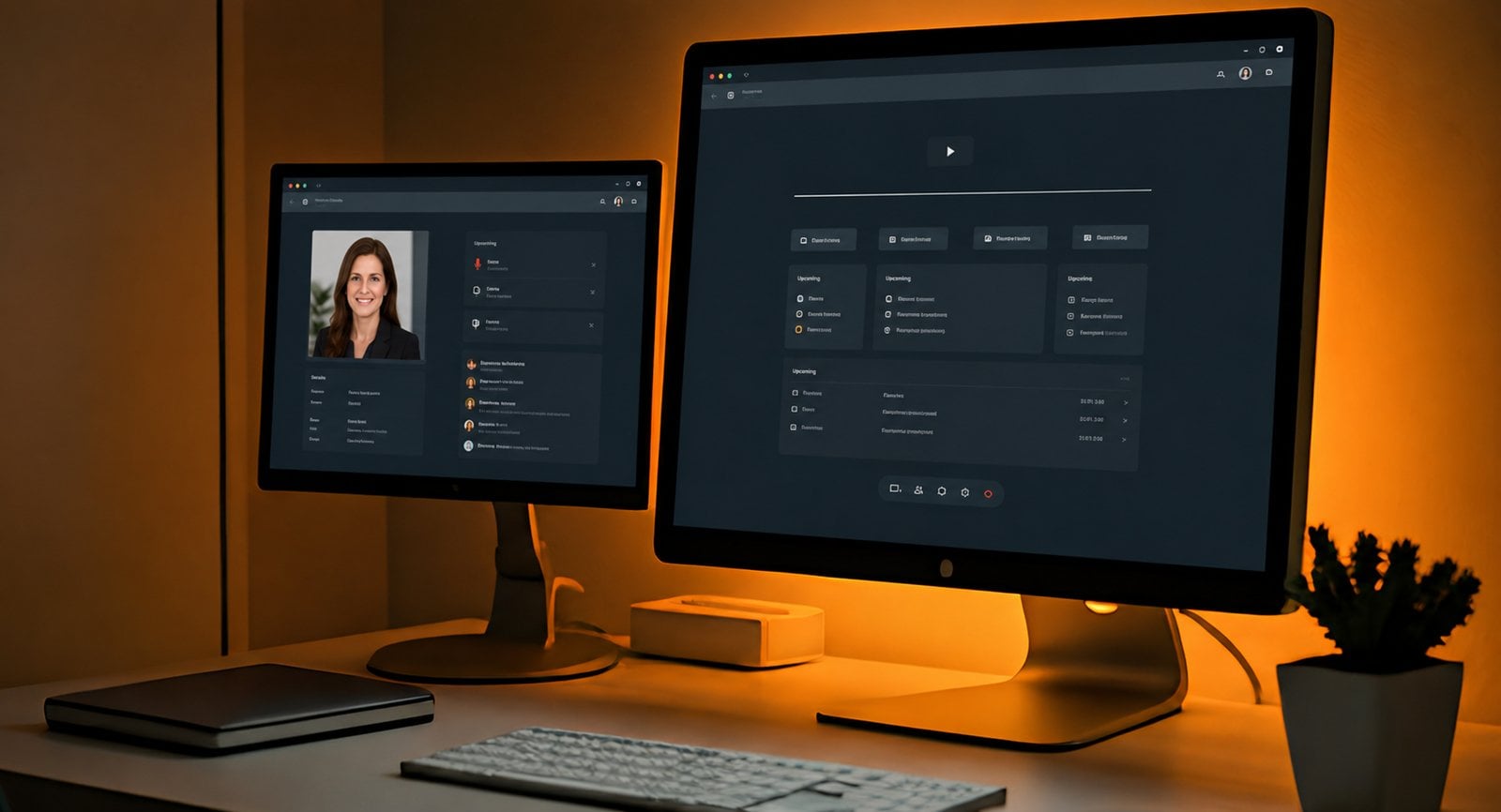
Warm desk setup with two monitors showing a generic webinar dashboard and business profile interface.

Team AI on Autopilot: Give Everyone the Same AI, Set Up Right and Kept Safe

Your team is already using AI, just not the same way. One person built something that saves hours every week, and nobody else can use it. Connecting AI to your accounting system or your files takes keys, permissions and testing, and when something breaks, you find out because people stop using it. In this live session we show how to roll Claude out to your whole team, connect it to the systems you run on, and keep it safe and improving, without anyone in-house having to become the AI person.
Date
Apr 29, 2027
Time
3:00 PM CDT
Duration
1 hr
Alek Pirkhalo
Alek Pirkhalo
CEO · Moderator
Kaden Evenson
Kaden Evenson
Service Manager · Presenter
Dmitry Rudman
Dmitry Rudman
CTO · Expert
Jared Bahr
Jared Bahr
Enterprise Engineer · Expert

Reserve your free spot

By registering, you agree to our Privacy Policy.
chevron-down linkedin facebook pinterest youtube rss twitter instagram facebook-blank rss-blank linkedin-blank pinterest youtube twitter instagram